Webmail lets you read and send email from your FourteenRockets mailbox in a browser on any computer, tablet or phone, without setting up an email program. Webmail works in a recent version of Chrome, Firefox, Edge or Safari.
Have your email address and mailbox password ready. We emailed the password to you when we created your mailbox.
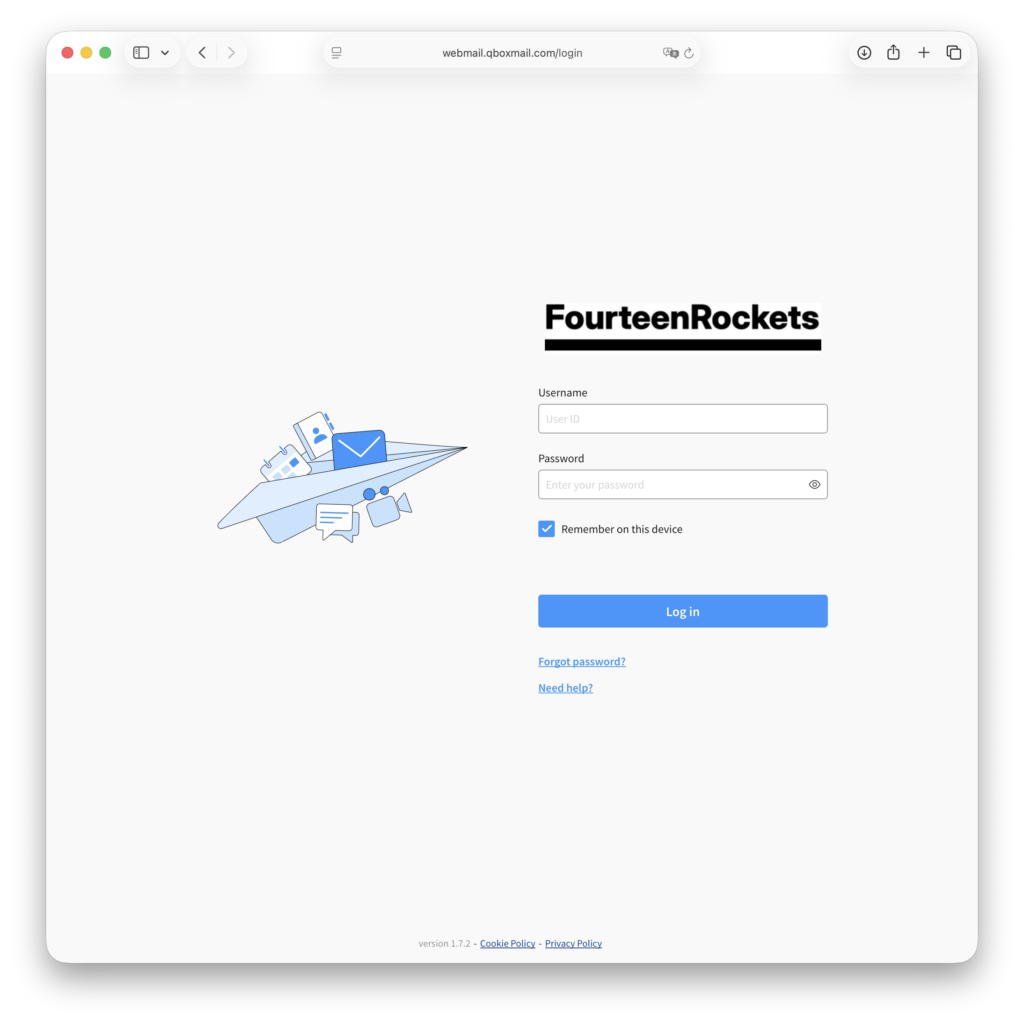
- Go to webmail.qboxmail.com in your browser.
- Type your full email address, for example info@yourdomain.com, in the ‘Username’ field.
- Type your mailbox password in the ‘Password’ field.
- Click ‘Log in’.
The first time you log in, webmail shows the first and last name that we entered when we created your mailbox. Check the names, correct them if needed and click ‘Save’. Webmail then opens your inbox.
The labels in our webmail articles are those of the English interface. To use webmail in Dutch or another language, see Profile and language in Webmail.
If you cannot log in to webmail, send us an email at hello@fourteenrockets.com.