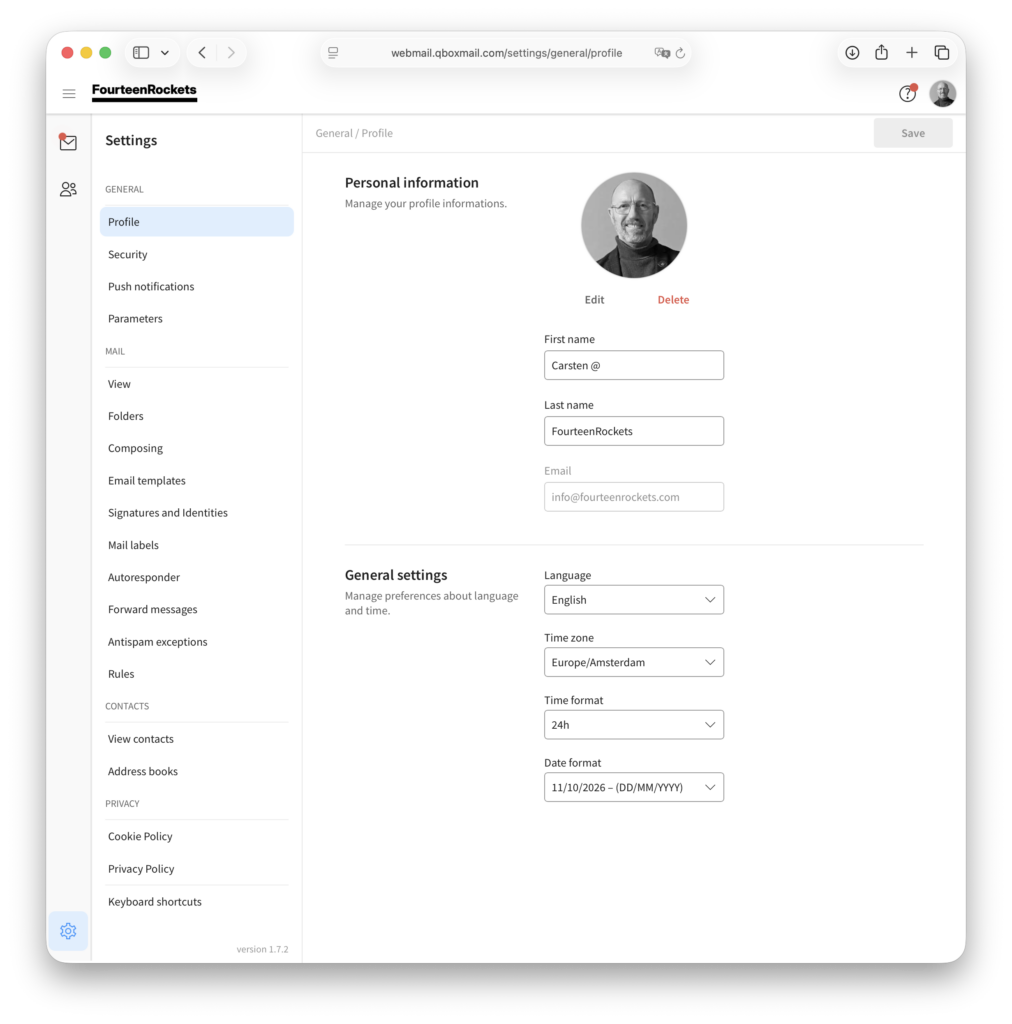
When you click the settings icon in the bottom left corner of webmail, the ‘Profile’ screen opens. On this screen you change your name and profile photo, the language of webmail, your time zone, the time format and the date format.
Change your name and profile photo
Under ‘Personal information’, you change your name in the ‘First name’ and ‘Last name’ fields and click ‘Save’ in the top right corner. Your email address is shown under ‘Email’ but cannot be changed on this screen.
- Click the settings icon in the bottom left corner of webmail.
- Click ‘Edit’ under the profile image.
- Choose a photo from your computer.
- Click ‘Save’ in the photo window.
To remove the photo, click ‘Delete’ under the profile image and click ‘Save’.
Change the language of webmail
- Click the settings icon in the bottom left corner of webmail.
- Select your language under ‘Language’.
- Click ‘Save’ in the top right corner.
Webmail is available in English, Dutch, German, French, Spanish, Italian, Portuguese, Swedish, Danish, Greek, Serbian, Japanese and Polish. Our support articles use the labels of the English interface.
Your time zone, the time format and the date format are set in the same way, under ‘Time zone’, ‘Time format’ and ‘Date format’, and saved with the same ‘Save’ button.