What is an email alias?
An email alias is an additional email address that forwards to your existing mailbox. For example, hello@yourdomain.com could be an alias of info@yourdomain.com. Receiving emails sent to an alias address works straight away and requires no setup; they will simply appear in your inbox.
Send email from an alias in webmail
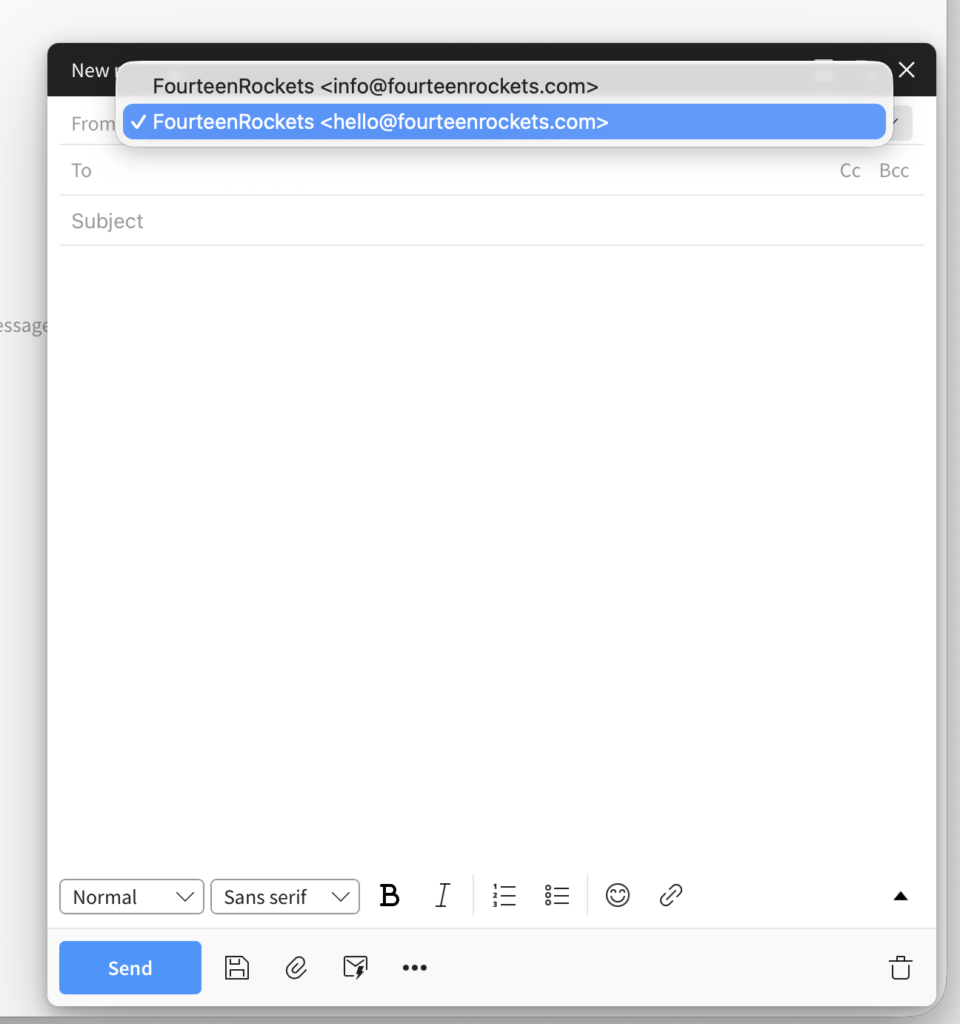
Every alias on your mailbox is available as a sender in webmail. You do not need to add the alias in the webmail settings first.
- Click ‘New message’.
- Click the ‘From’ field at the top of the new message.
- Select the alias you want to send from.
- Write the message.
- Click ‘Send’.
When you reply to an email that was sent to one of your aliases, webmail selects that alias in the ‘From’ field for you, so your reply comes from the address the sender wrote to.
If you send most of your email from an alias, you can make that alias the default sender for new messages. See Signatures in Webmail.
If an alias is missing from the ‘From’ list, send us an email at hello@fourteenrockets.com.